AI junk cleaner
Smart Scan finds residual files, obsolete files, ad junk and trash items, lists the size of each, and cleans only what you select. No more digging through folders by hand.
AI Clean scans your phone and shows exactly what's taking up room: junk and temporary files, duplicate photos, old screenshots, large videos and forgotten downloads. Review the results, keep what you love, clean the rest.
AI Clean looks through junk files, photos, screenshots, videos and downloads in one pass, then shows you how much space each one is taking, so you know exactly what you're clearing.
Smart Scan finds residual files, obsolete files, ad junk and trash items, lists the size of each, and cleans only what you select. No more digging through folders by hand.
Copies and look-alikes grouped together. Smart Select picks the weaker shots so you keep the best one.
Hundreds of old screenshots you'll never look at again, cleared out in a few taps.
The biggest space hogs on your phone, surfaced so the quickest wins come first.
Files you downloaded once and forgot about, gathered into one list.
Shrink large photos so they stay in your gallery but take up much less space.
Review the media WhatsApp saves to your phone and clear what you don't need.
Browse photos, videos, documents and downloads by folder, all from one place.
See each app's size, cache and data, then clear cache or uninstall in a tap.
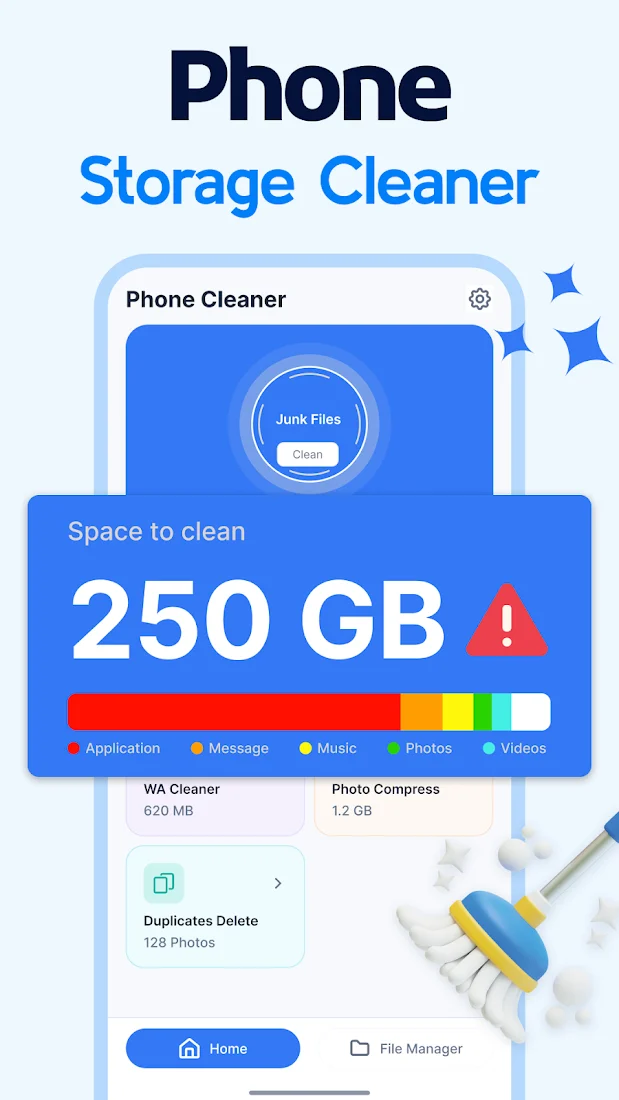
A colour-coded breakdown of apps, messages, music, photos and videos shows where your storage went before you clean a single file.
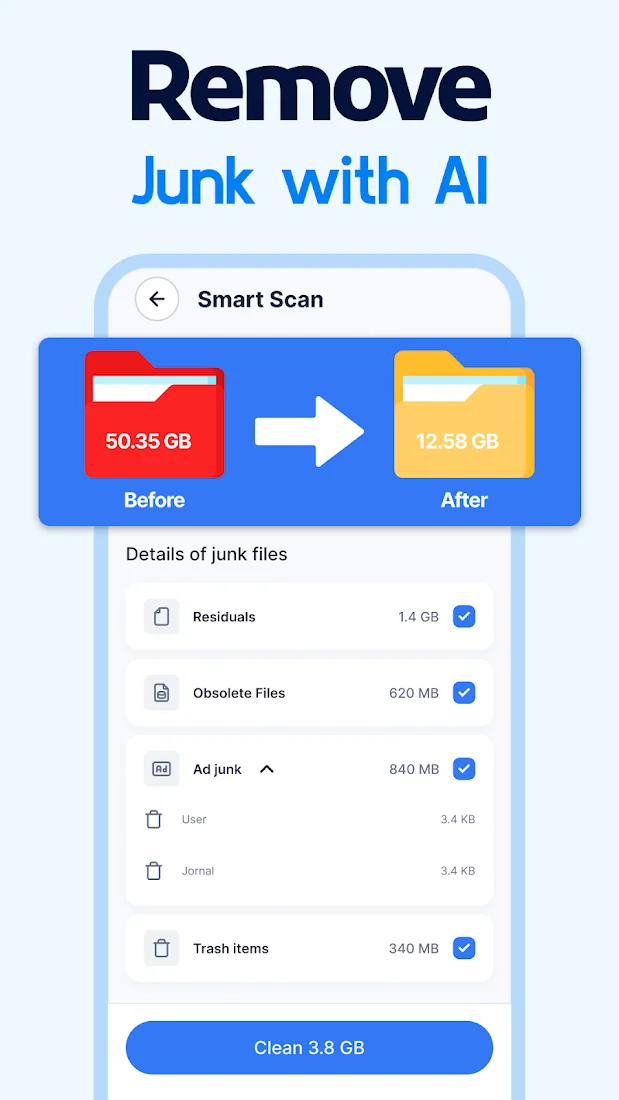
Smart Scan digs out the leftovers that quietly pile up: residual files from deleted apps, obsolete files, ad junk and trash items. Every category shows its size, so you see the payoff before you press Clean.
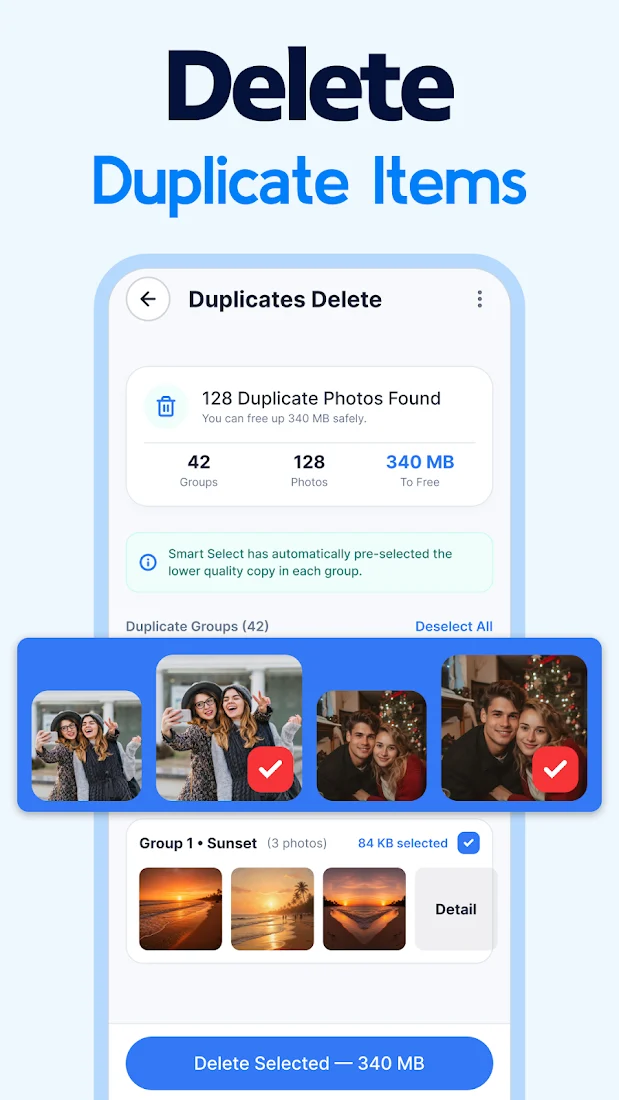
AI Clean groups duplicate and similar photos together. Smart Select automatically picks the lower-quality copy in each group, so clearing hundreds of extras takes a single tap.
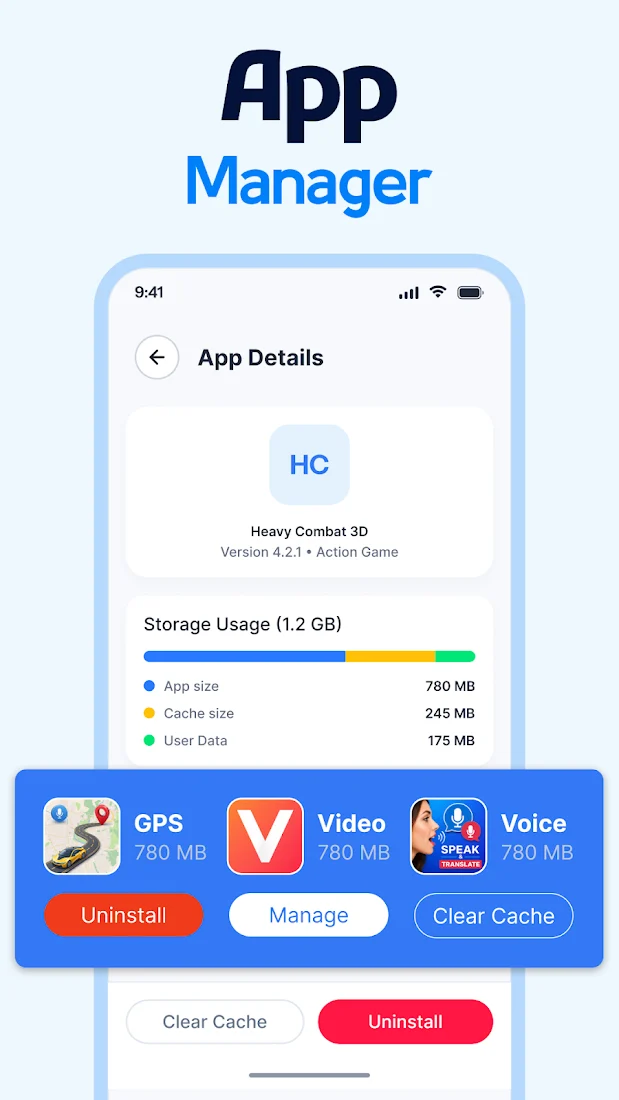
Open any app to see how its storage splits between the app itself, its cache and its data. Clear the cache, manage it, or uninstall the ones you've stopped using.
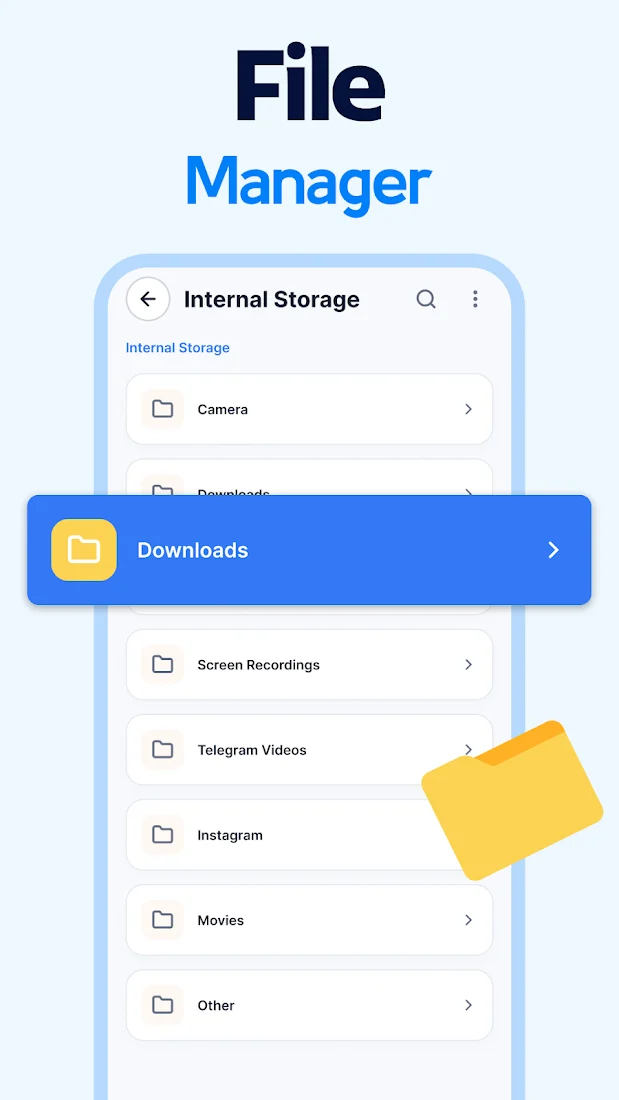
Jump straight into Camera, Downloads, Screen Recordings, Telegram videos, Instagram and more. Find any file quickly and understand how your storage is being used.
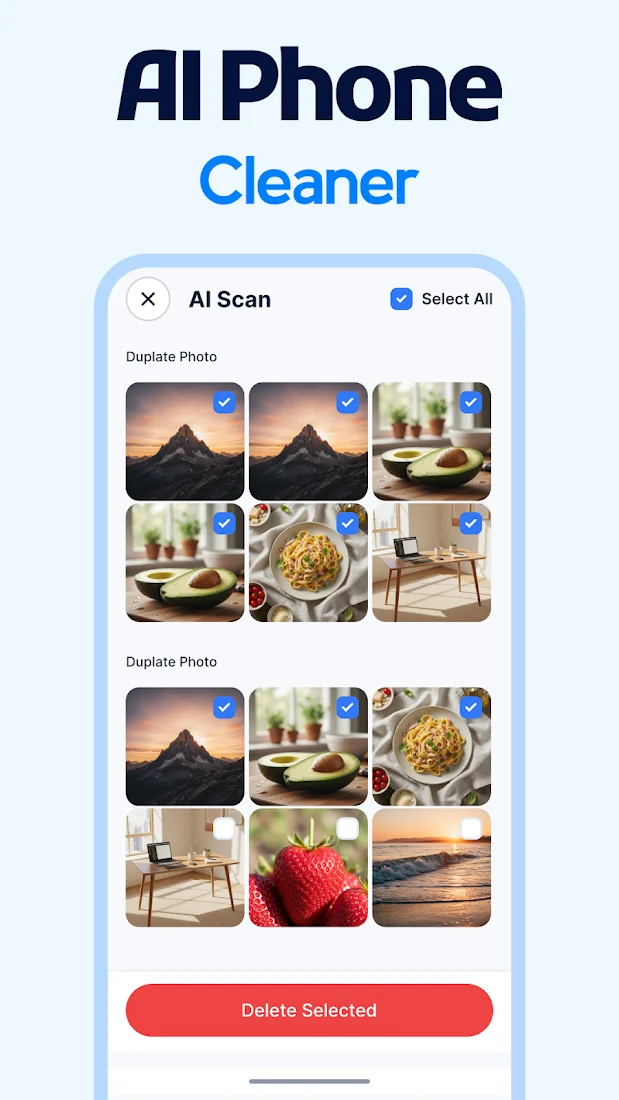
Open AI Clean and start a Smart Scan. It looks through junk files, photos, screenshots, videos and downloads for you.
Results are grouped with their sizes, and duplicates come pre-selected. Change anything before you continue.
Tap Clean or Delete Selected and get your storage back, ready for new photos, apps and updates.
A cleaner has to look at your storage to do its job. Here's how AI Clean handles what it sees.
Scanning and cleaning run locally. Your photos and files aren't uploaded to external servers.
Your name, username and email address aren't stored or processed by the cleaner.
Storage and media access power the cleaning tools. Ads and analytics come from partners such as Google AdMob and Firebase. You can change permissions any time in Android settings.
Yes. AI Clean is free to download on Google Play. The app shows ads.
No. AI Clean shows you what it found and you choose what to remove. Some cleaning actions may also ask for your confirmation or for accessibility permission.
Deleted files may not be recoverable, so please review items carefully before you remove them.
Smart Select automatically picks the lower-quality copy in each group of duplicates. You can change the selection before deleting anything.
No. As described in our Privacy Policy, data is processed locally on your device and isn't uploaded to external servers.
File, photo and video access let AI Clean find junk and duplicates. App visibility powers the App Manager, and notifications are used for alerts. Internet access is used for ads and analytics.
Email us at proberrytechnologies@gmail.com and we'll get back to you.
Download AI Clean free and run your first Smart Scan today.
GET IT ONGoogle Play